
Your account · Section 7 of 8
More tools
Some tools come with higher plans: ads, comment and message replies, the Inbox and team management. This page says what each one does and how to start.
Topics
Tools on some plans
| Tool | Plan | What it does |
|---|---|---|
| Google Ads | Business and above · Beta | Paid search ads, planned with Elena. |
| Meta ads | Business and above | Boost Facebook and Instagram posts and manage them in Ads Manager. |
| Community Management | Business and above | Reply to Facebook and Instagram comments and messages. |
| Inbox | Business and above | Mentions, replies and approval requests from your team, in one place. |
| Team Management | Business and above | Team members with roles and approvals. |
| Media Library | All plans | Every AI-made image and video. |
Paid ads with ElenaBusiness and above
- Connect Google Ads. On Connections (or from the card Elena shows in the campaign chat), sign in to Google and pick your ad account.
- Plan the ad with Elena. In the campaign chat she asks for your daily budget, countries, target cost per conversion (CPA) and keywords. The team drafts the ad copy, keywords and images.
- Check and launch. Review everything, then launch. Bidding is set to get conversions.
- Adjust by chatting with Elena. After launch you can change the daily budget, pause or restart the ad, or add a keyword to avoid (a “negative keyword”).
Ad copy, keywords, location and language can’t be changed after launch. To change them, pause the ad and make a new version.
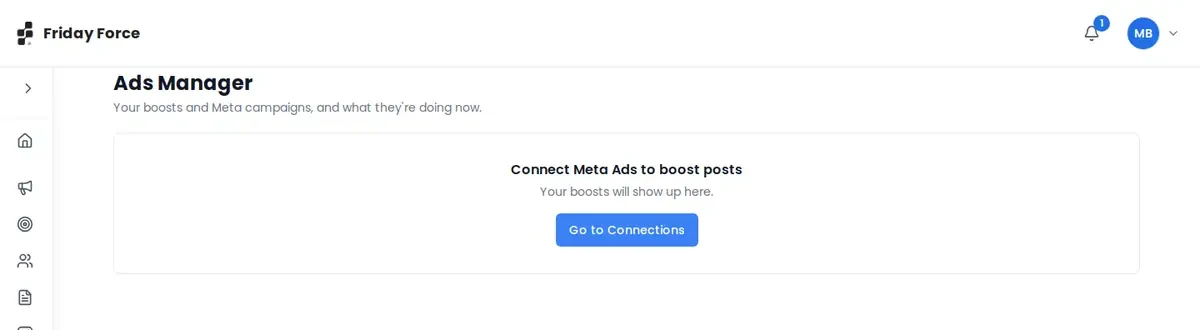
Meta ads: you can also boost Facebook and Instagram posts and manage them in Ads Manager. Connect your Meta account first. Until you do, Ads Manager shows “Connect Meta Ads to boost posts”.
Community ManagementBusiness and above
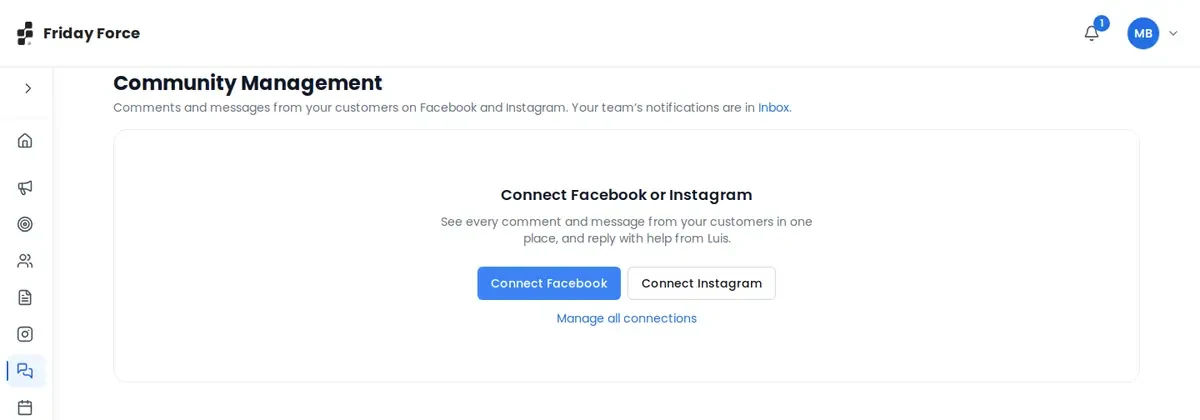
Community Management puts your customers’ Facebook and Instagram comments and direct messages in one list. Connect a Facebook Page or Instagram account first.
- Reply to comments and messages, with Luis’s help. You can hide or delete comments, or reply to a commenter privately by DM.
- Work as a team: assign a conversation to a teammate (they’re notified), add internal notes with @mentions, or mark it unread.
- Automate replies on a post: choose trigger words (or every comment), and Luis drafts the reply. Turn each rule on or off.
- Meta only lets you answer a direct message within 24 hours of the customer’s last message. The page shows this window.
Screens were captured in October 2026 and may differ slightly from the current app. They show a made-up business, Bean & Bloom Coffee.
Still stuck? Ask the support team.